



Hot
The Gutenberg Edition
- Description
- Curriculum
- FAQ
- Reviews
Announcing The Brand New, 9 Part, Step By Step Video Course That Shows You...
“Finally, Learn How To Use the WordPress Gutenberg Editor…Starting Today”
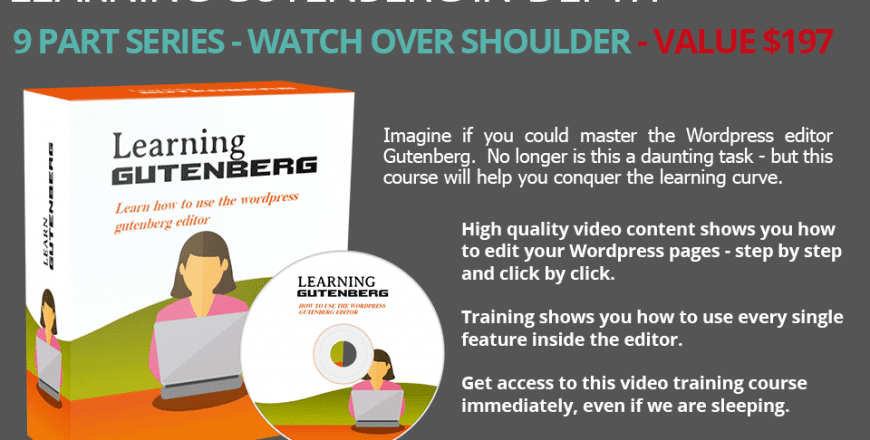
This specific training course was designed to help you understand how to use the WordPress Gutenberg Editor in more depth, even if you are a newbie.
You’re probably aware that most websites now use the WordPress platform to run and maintain their websites.
Most likely you’re using it now.
Recently WordPress made a major overhaul of their editor. It went from the Classic Editor to what they have coined as the Gutenberg Editor.But here’s the problem. If you do a quick search on the Gutenberg Editor plugin, you will see that it has 1000’s of negative reviews.
Main Features
- Video 1 – Introduction to Gutenberg
- Video 2 – Quick Overview of User Interface
- Video 3 – Understanding the Types of Blocks
- Video 4 – Using the Sidebar
- Video 5 – Common Blocks
- Video 6 – Formatting Blocks
- Video 7 – Layout Elements
- Video 8 – Not Ready For Gutenberg?
- Video 9 – More Editor Options
What is the target audience?
- You might be thinking, all of the above – and that is fine. But as a complete beginner learning the Gutenberg Edition is easy to understand and will help you in setting up your website or Online Business even faster
We have spent a lot of time understanding what it takes to learn the Gutenberg Edition from scratch. What it is that you should focus on first and what you should avoid until later.
-
1
 Lection 1: Introduction to Gutenberg
Let’s talk a little about Gutenberg – the pros and cons. A bird’s eye view of the course and how it is laid out. More importantly – what you need in order to get started.
-
2
Lection 2: Quick Overview of User Interface
Before we jump straight in - it’s important to give you a quick overview of the Gutenberg editor so you know what to expect and how we are breaking this down.
-
3
Lection 3: Understanding the Types of Blocks
Let’s talk about the different types of blocks before we discuss them in detail.
-
4
Lection 4: Using the Sidebar
The sidebar for the Gutenberg editor is located to the right. In this video - we will discuss the different features and what’s available to you
-
5
Lection 5: Common Blocks
There’s a category of blocks called Common Blocks. In this video - we will discuss the different features and what’s available to you.
-
6
Lection 6: Formatting Blocks
There’s a category of blocks called Formatting Blocks. In this video - we will discuss the different features and what’s available to you.
-
7
Lection 7: Layout Elements
There’s a category called Layout Elements. In this video - we will discuss the different features and what’s available to you
-
8
Lection 8: Not Ready For Gutenberg?
Like many people - you may not be ready of Gutenberg. In fact if you do a search for it - you will find a huge amount of negative reviews. This is because of the learning curve. There are two ways for you to switch back to the old Classic Editor that you may be used to.
-
9
Lection 9: More Editor Options
Besides the Gutenberg and Classic editor, there are more editor options available commercially. We’ll discuss your options here and our favorite editor of all time.
Grab this video course and learn how to use the Gutenberg Editor to its fullest.
How is the course structured?
The course is video based
Please, login to leave a review
Course details
Duration
45
Lectures
9
Video
45
Level
Anfänger
Full lifetime access
Access on mobile and TV
Popular courses